Read a sensor
Readout requires a board running the OpenTac firmware (Flash the firmware), a connected sensor, and the corresponding manifest.json from the OpenTac-CAD export. The manifest associates each measured value with its taxel position and connector wiring.
On Linux, your user must be in the dialout group to open the board's port
(sudo usermod -aG dialout $USER, then log out and back in; see
On Linux).
Verify board compatibility
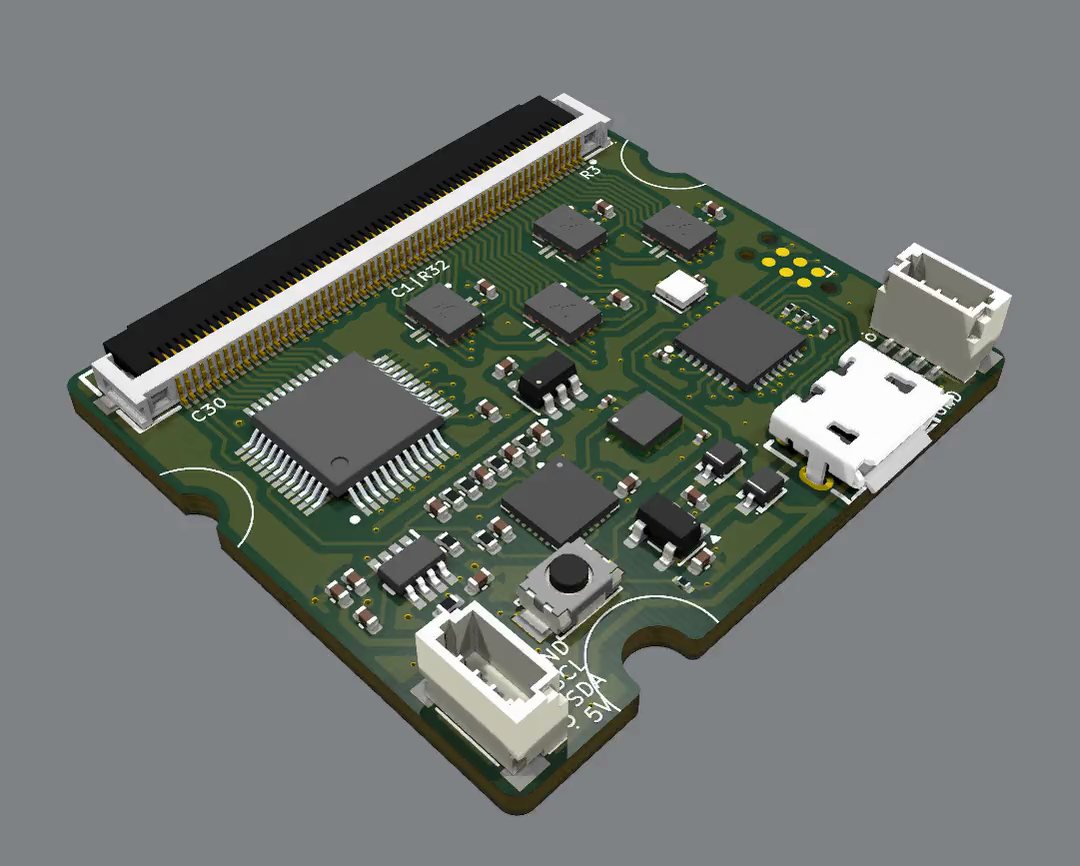
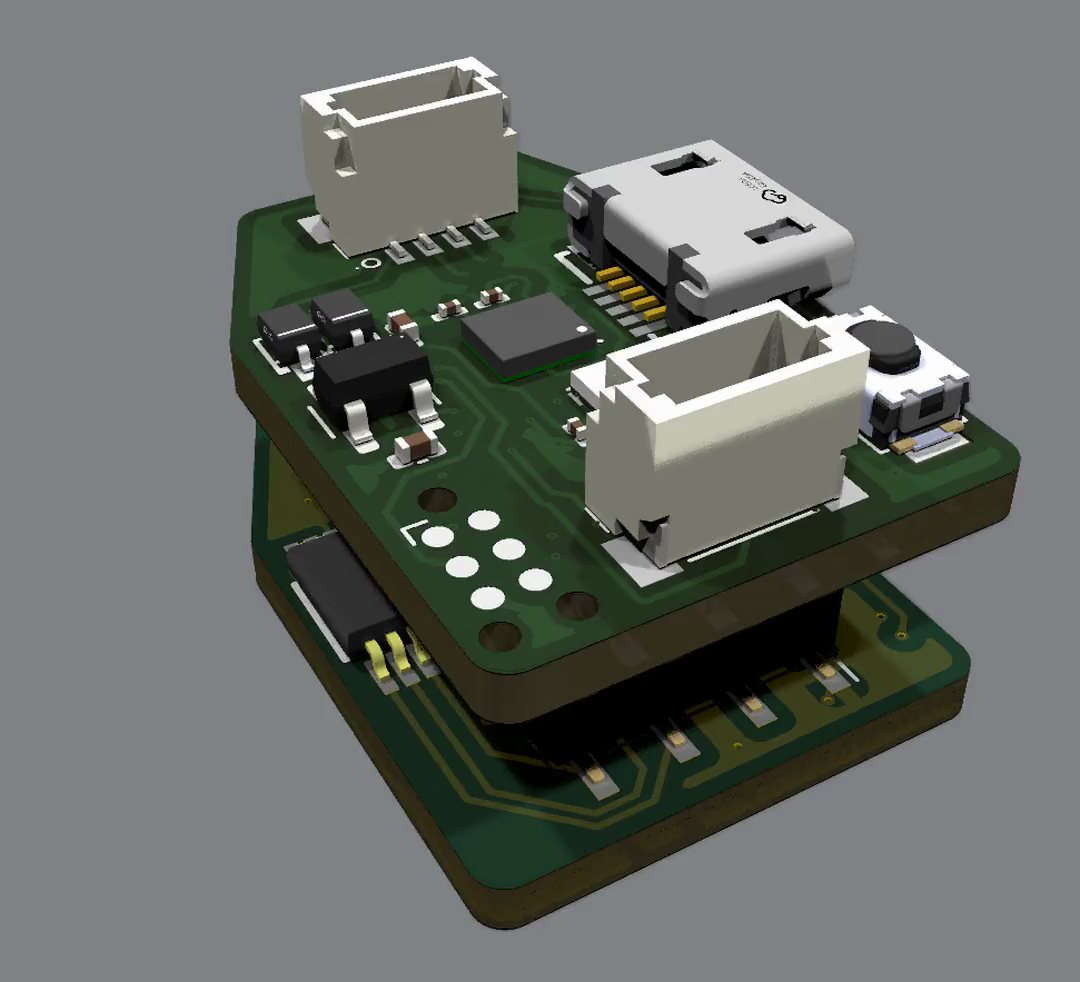
OpenTac-CAD's readout board setting picks the board a sensor is made for. A sensor for the 30-pin board ends in a 30-position connector (up to 15 rows and 15 columns); a sensor for the 60-pin board ends in a 60-position one (up to 30 by 30). To check a design:
Upload the sensor manifest
opentac setup uploads the configuration needed to scan the sensor. The board stores this compact representation in flash with a CRC check; the computer retains the full manifest in ~/.opentac/manifests/. The configuration survives power cycles and reflashing, so subsequent readout commands do not require the manifest path.
The board does not automatically identify the physical sensor connected to it. Run opentac setup whenever that sensor changes. A mismatched manifest can produce plausible values assigned to the wrong taxels.
Inspect the board and its stored sensor configuration:
Live view
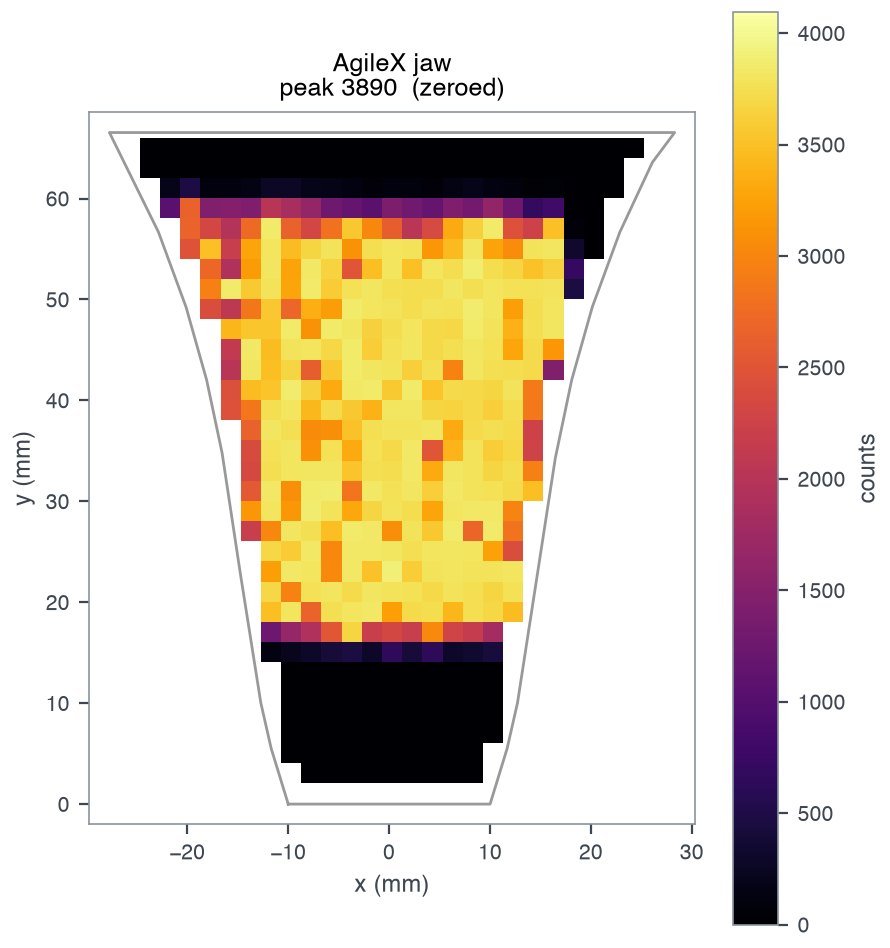
Each taxel is drawn where it sits on the sensor. Click the window, then:
b.| Key | Action |
|---|---|
b |
zero: subtract the current reading. Press it with nothing touching. |
c |
clear the zero |
a |
autoscale on/off |
s |
shear arrows on/off |
Enter |
start/stop a take (with --save DIR) |
q |
quit |
Only one program can use the board's port at a time. Close the viewer before
running another opentac command.
Read frames in Python
from opentac.device import Sensor

with Sensor() as s:              # finds the board on USB
    frame = s.read()             # the next frame
    print(frame.taxels)          # one value per taxel, in manifest `pixels` order
    print(s.manifest.xy)         # where each taxel is, in mm
    for frame in s.frames(limit=100):   # every frame, as fast as the board sends
        ...
frame.taxels contains 12-bit ADC readings, from 0 to 4095, in manifest pixels order. Readings increase with applied pressure until the response saturates.
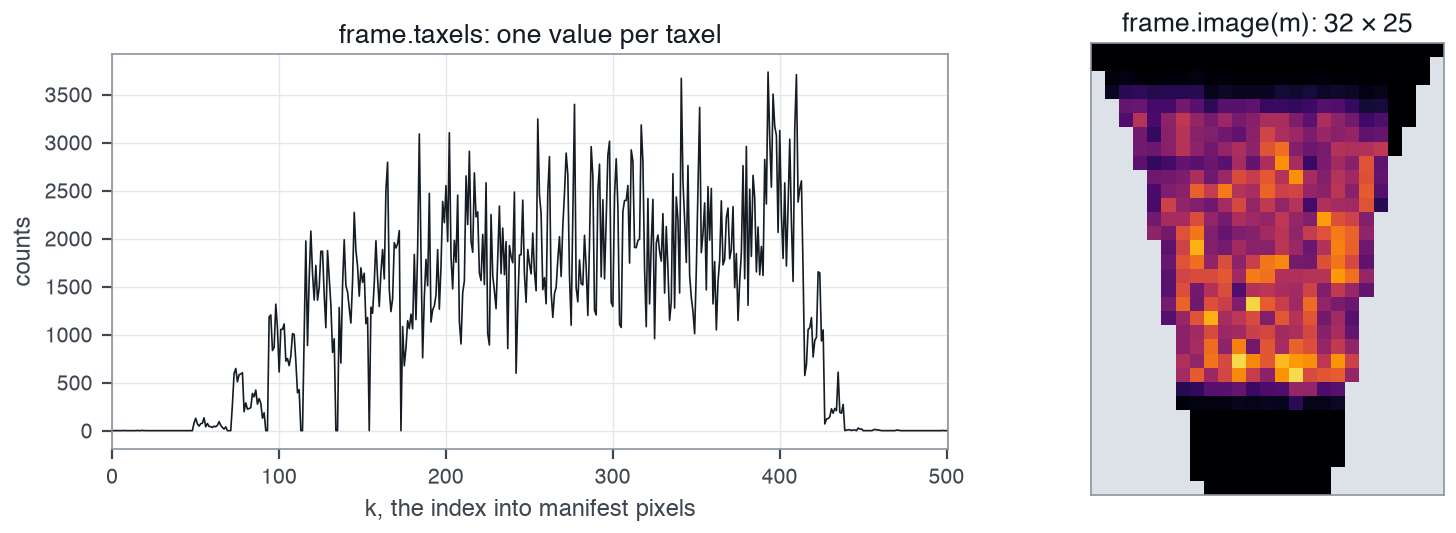
frame.taxels in pixels order, and frame.image(s.manifest), with grid cells that hold no taxel left empty (grey).frame.t is the computer's clock in seconds, frame.imu holds the IMU
readings when the IMU is on, and frame.image(s.manifest) lays the values out
as a 2-D array. s.setup("my_design.zip") does what opentac setup does.
examples/read_sensor.py is a complete script.
Sensor() starts each session with a full raster scan, MUX_SETTLE_US set to 8 and the IMU disabled. Enable inertial measurements with Sensor(imu=True) or --imu. In a test on one board, IMU reads disturbed the immediately following taxel measurements; check for this interaction when enabling both streams.
Board settings
Settings last until the board restarts. List them with opentac info; change
them per session:
Gain (60-pin board)
The 60-pin board has a gain switch. Four switches each put a resistor across the amplifier's 10 kΩ feedback resistor. The board starts with all switches open: 10 kΩ, the highest gain. If a firm press saturates (taxels stuck near 4095), lower the gain:
GAIN_SW |
Feedback |
|---|---|
| 0 | 10 kΩ (default) |
| 1 | 3.2 kΩ |
| 2 | 990 Ω |
| 4 | 263 Ω |
| 8 | 68 Ω |
GAIN_SW is a bit mask: for example, 3 closes switches 1 and 2. In Python, s.set_feedback(1000) picks
the nearest setting and returns the feedback in ohms.
Record tactile data
uv run opentac record takes/ --seconds 10 --description "tape roll, edge-on"
uv run opentac view --save takes/           # Enter starts and stops a take
Each take is a folder holding tactile.npz (the counts, timestamps, IMU and
taxel positions), manifest.json and take.json (settings and notes).
examples/record_take.py records and reads one back:
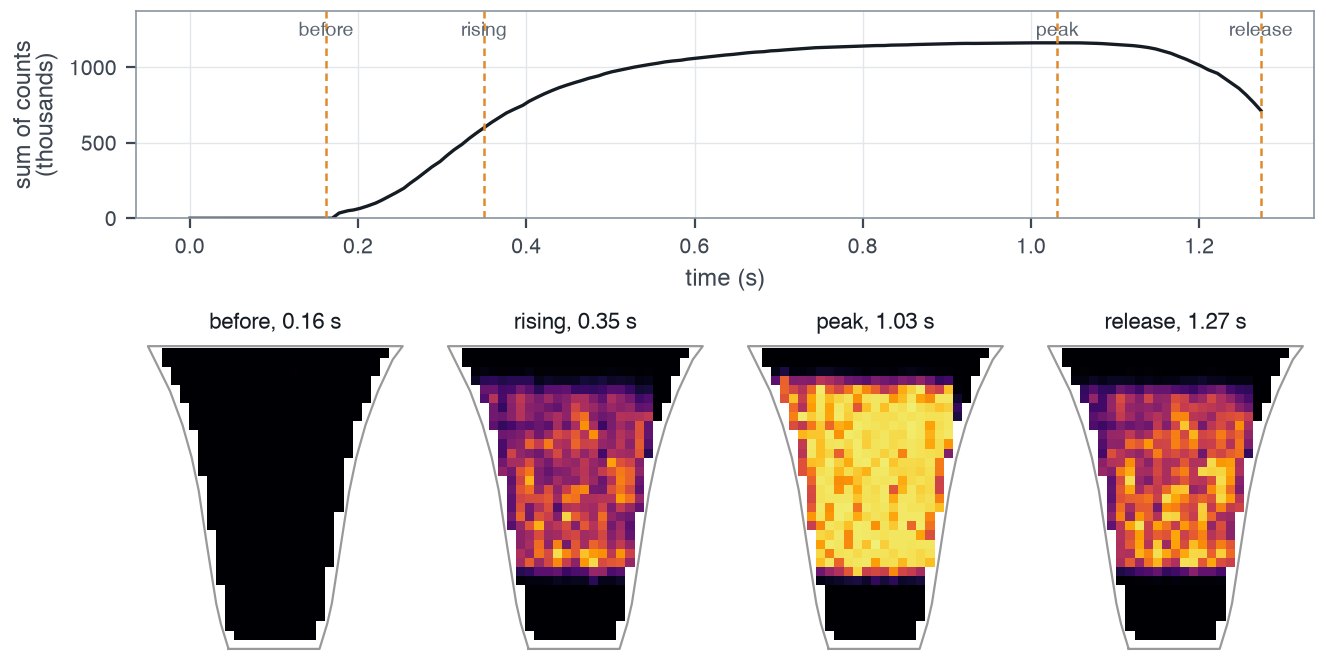
from opentac.record import load_take
take = load_take("takes/20261015_120000_tape_roll_edge_on")
take["raw"]          # frames x taxels, int16; -1 where a taxel was not read
take["t_host"]       # seconds
Convert readings to force
opentac.calibrate converts ADC counts to force using a supplied calibration file. The calibration is specific to the taxel geometry, piezoresistive material, mechanical stack and readout settings under which it was measured. Changing these conditions can invalidate the mapping to newtons.