Get started
We house the CAD tool, the readout firmware and Python package, and the readout-board hardware files at https://github.com/opentac/opentac. It is easy to clone and run locally. We provide a hosted version if one wants to try the CAD tool without installing anything on their machine, but it uses a much slower compute node (i.e., running locally will be much faster).
Try it online
Open OpenTac-CAD in your browser. You can draw an outline, import a DXF or STL, generate a board and download the files.
The online tool runs its design engine on a free server that sleeps when idle, so the first call to Generate of the day can take up to a minute while it wakes. Locally, a design generates in a second or two. We recommend you use the local option if you prefer that files never leave your computer.
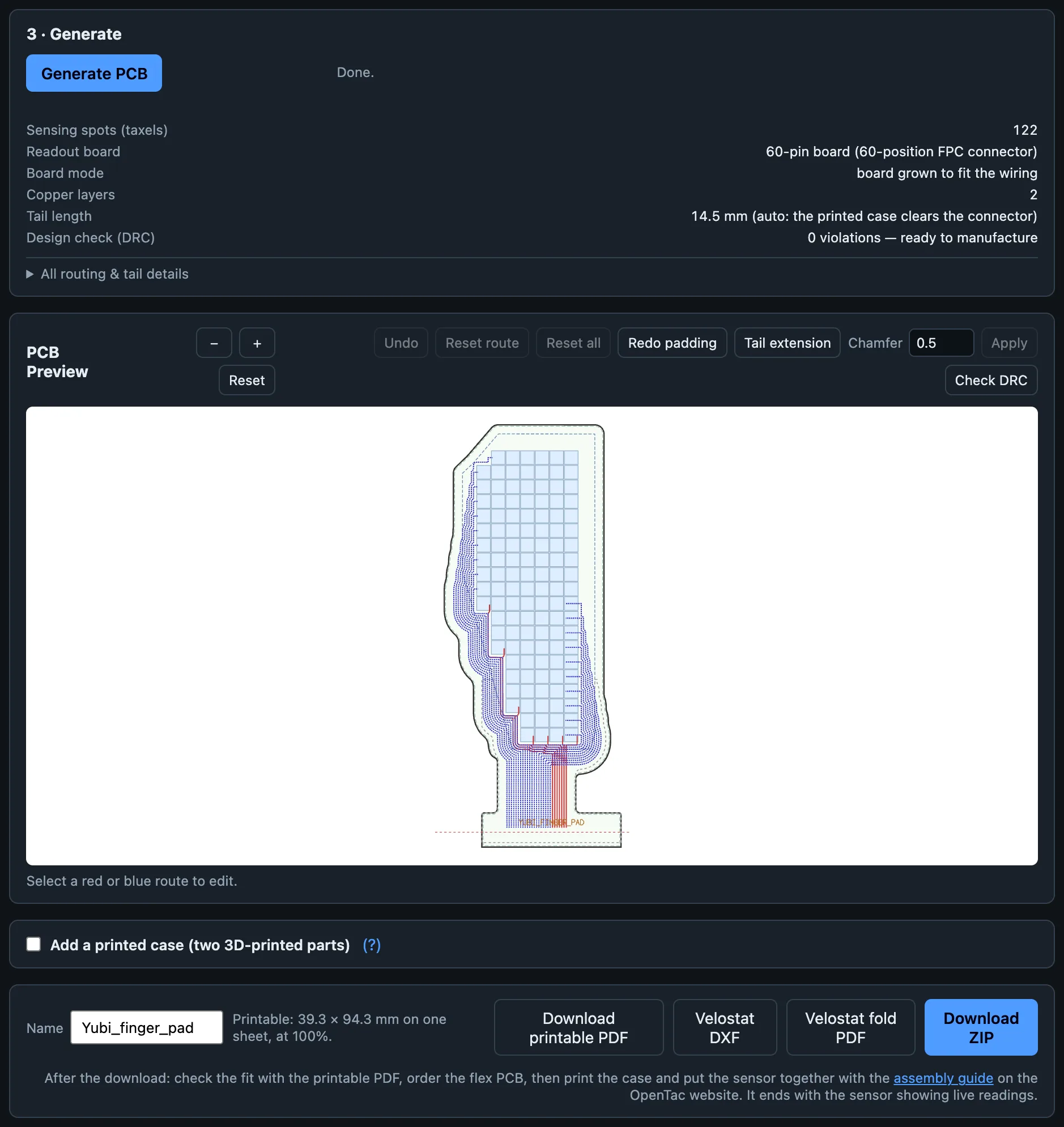
Run it on your computer
You only need git (or download the repository as a ZIP from GitHub): the start script installs uv if you don't have it already.
-
Get the code:
-
Open the
opentacfolder and double-click the start script:System File macOS Start_OpenTac.commandWindows Start_OpenTac.batLinux run bash Start_OpenTac.commandin a terminal -
The first run downloads what the tool needs into the folder's own environment (a few minutes, once). After that it starts in seconds and opens OpenTac-CAD in your browser.
If macOS blocks the double-click
Open Terminal, type bash (with a trailing space), drag Start_OpenTac.command onto the window and press Enter.
From a terminal the same thing is one command, run in the repository folder:
Design with an AI agent
The repository includes a skill that teaches a coding agent to design sensors with the same compiler the CAD tool uses. Claude Code loads it automatically from .claude/skills/opentac/ when you start it in the repository folder; other agents read AGENTS.md, which points them to the same instructions. Describe the sensor in your own words, with its size, shape and where the cable should leave. See Design with an AI agent.
How to make an OpenTac sensor: A quick overview
For more details, we have the assembly guide that covers steps 2, 5 and 6.
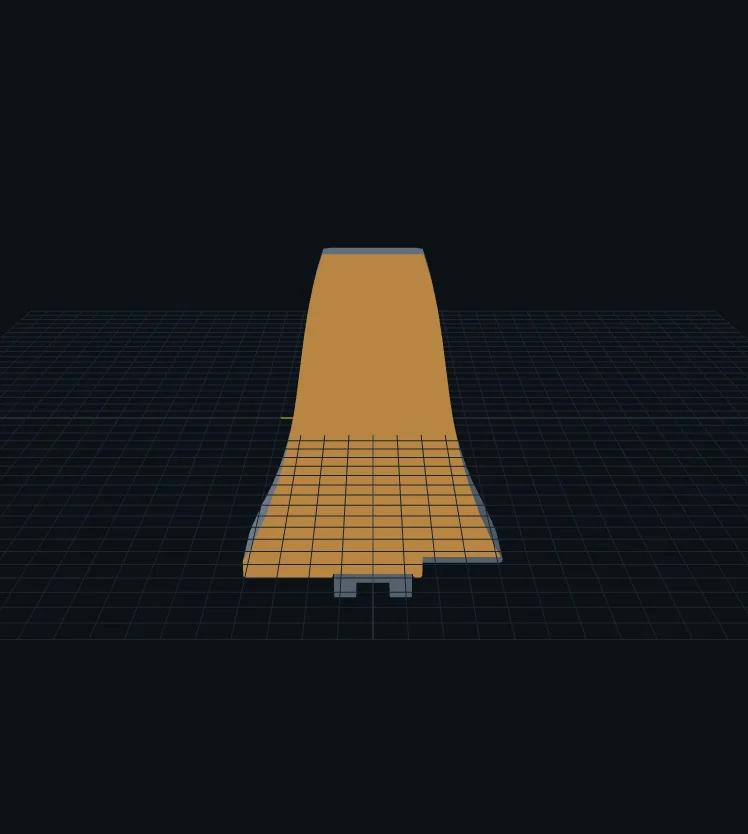
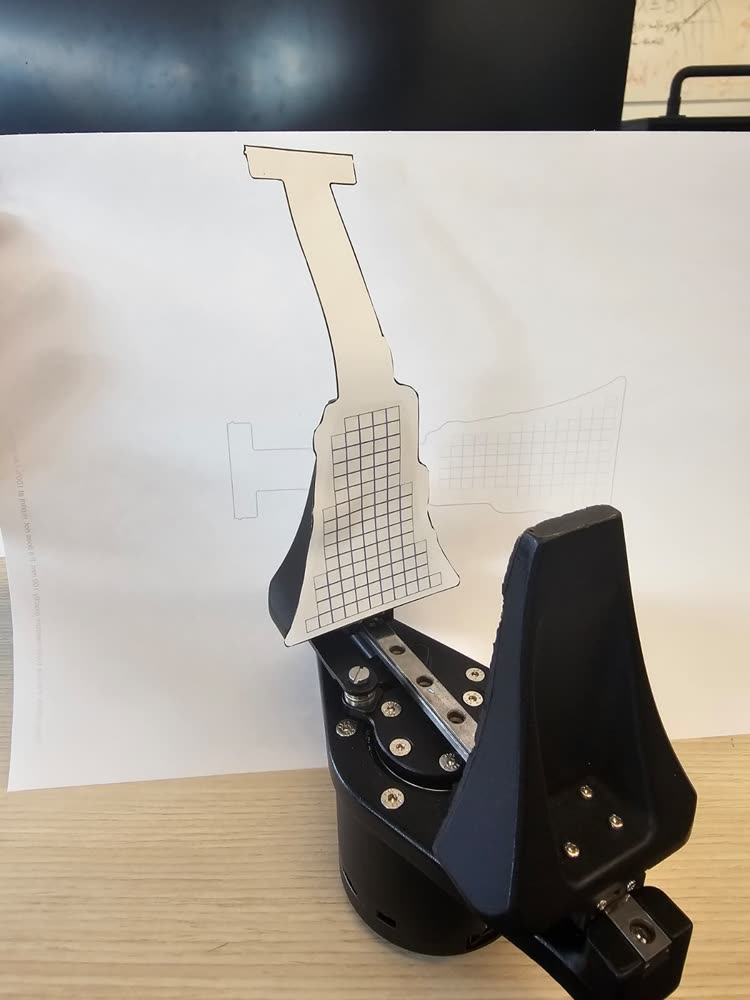
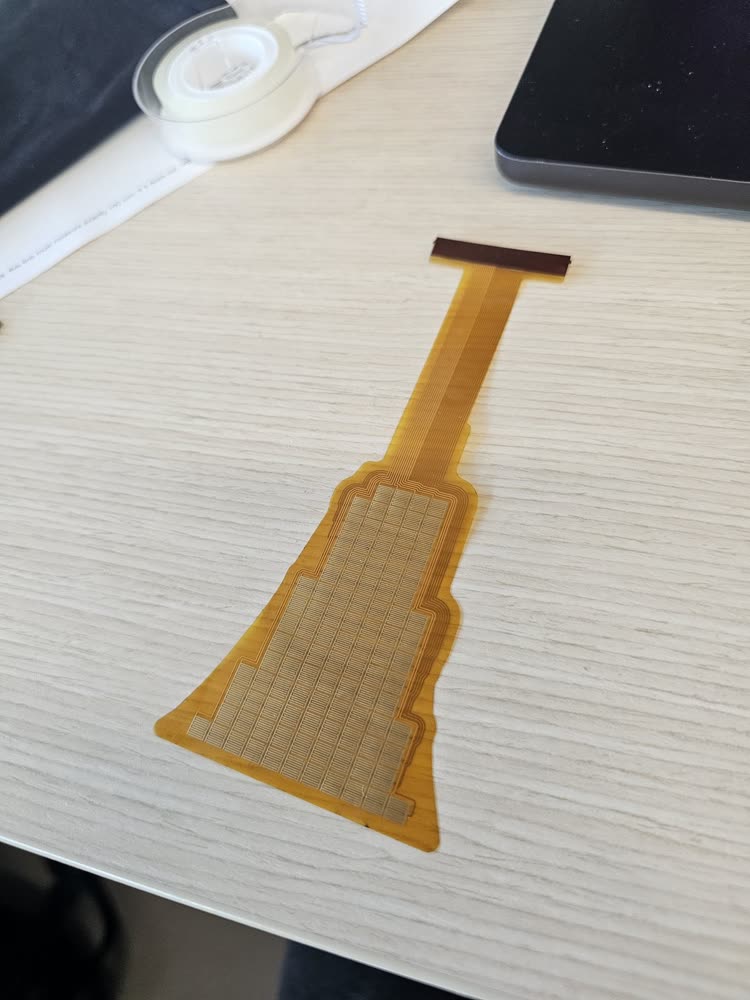
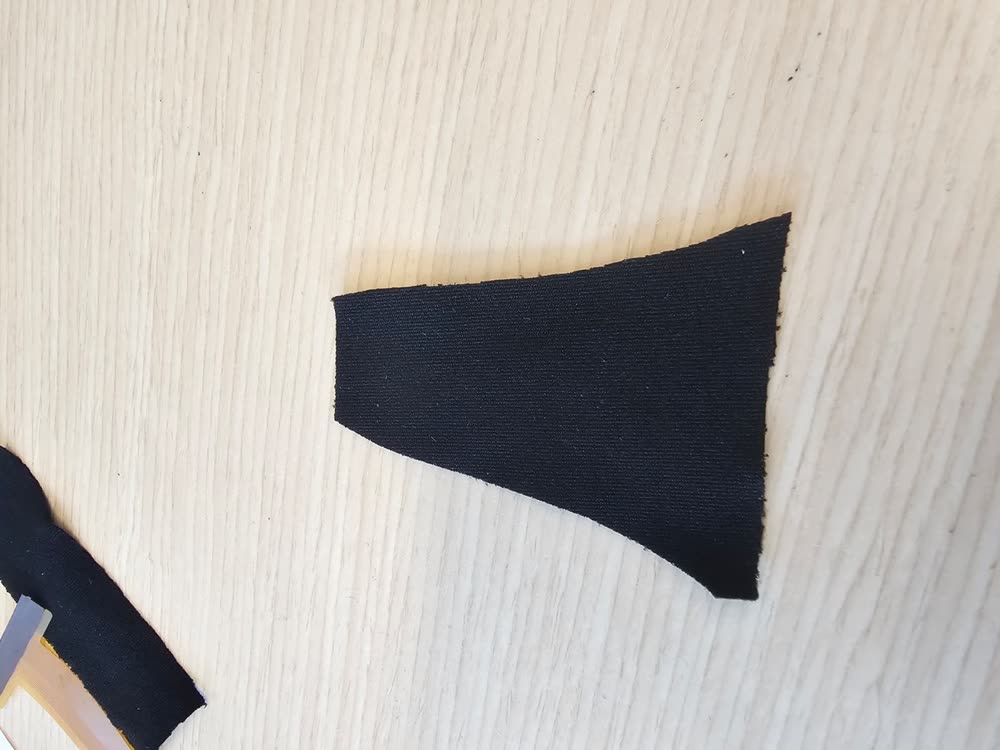
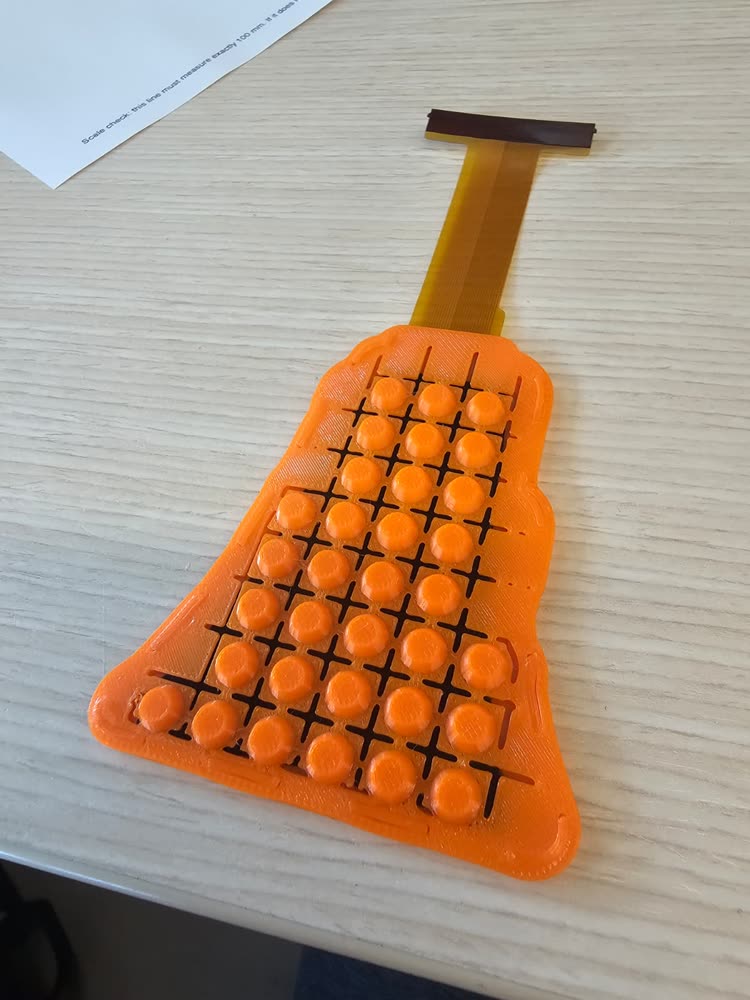
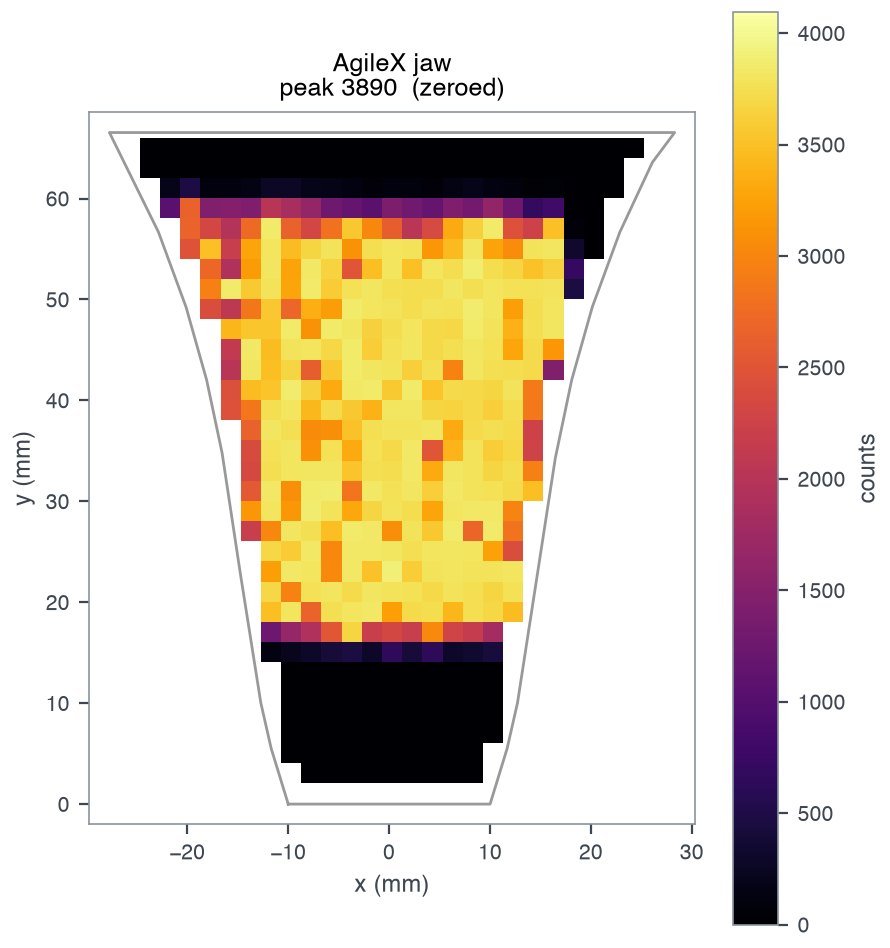
- Design the sensor in OpenTac-CAD and download the ZIP: the board files and the printed case, generated from the same design so they line up.
- Print the 1:1 PDF from the ZIP and hold it against the part to check the fit (see Check the fit on paper).
- Order the flex PCB and, if you don't have one, a readout board.
- Gather the materials: a piezoresistive film or fabric, TPU filament, a USB cable.
- Print the case from the ZIP's
case/folder, cut the film, and assemble. -
Flash the readout board, set it up once with your design, and view the live map:
uv run opentac flash                  # put firmware on the readout board
uv run opentac setup my_design.zip    # tell the board which sensor is plugged in (once)
uv run opentac view                   # live heatmap
The end of the assembly guide says what you should see and what to check if something looks wrong. Flash the firmware and Read a sensor have the details.
What you need on the bench
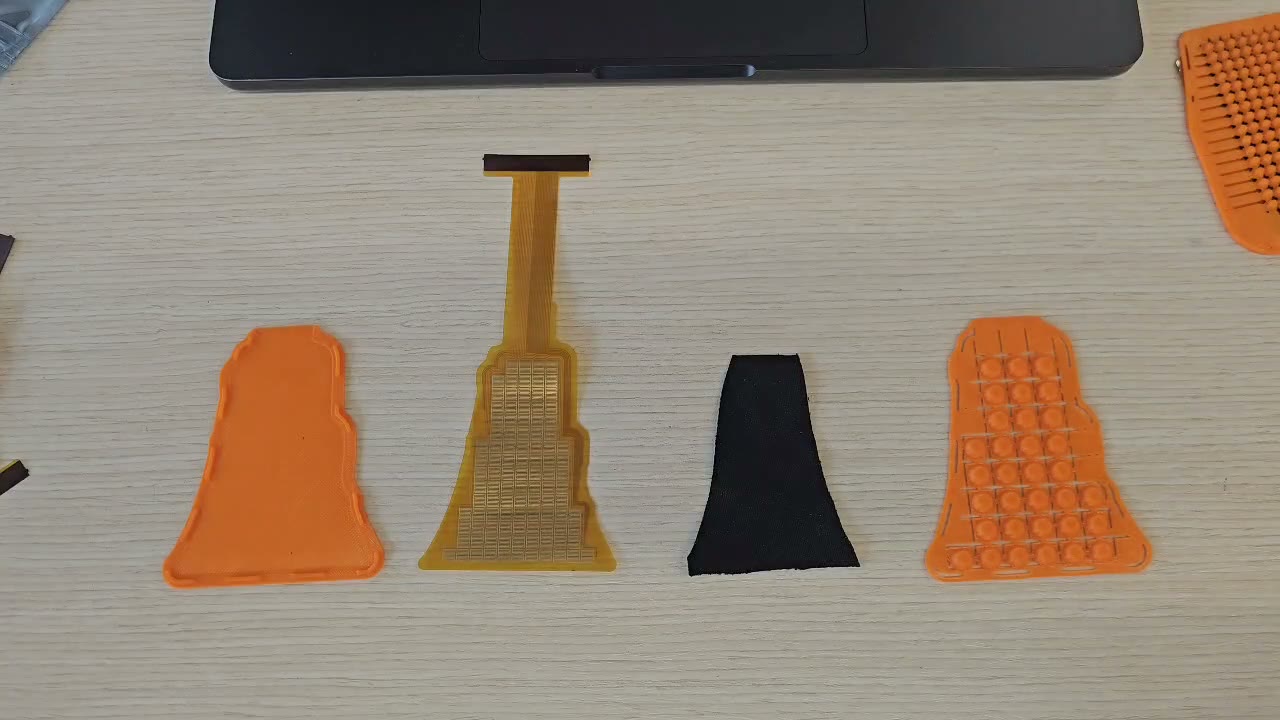
- the flex PCB from your design, as ordered;
- a readout board: the 60-pin board for sensors up to 30×30 taxels, or the 30-pin pair for up to 15×15 (see Readout boards);
- a piezoresistive layer, such as LINQSTAT film or a piezoresistive textile (see Materials);
- a 3D printer and TPU filament (85–95A) for the case and bump sheet;
- double-sided tape, scissors, printer paper;
- a micro-USB data cable for the readout board;
dfu-utilor STM32CubeProgrammer, to flash the readout board (see Flash the firmware).
What it costs
Example quotes from JLCPCB, October 2026, shipping extra:
- $16 for 5 flex PCBs of an example two-layer sensor, 89 × 60 mm, at a special-offer price (Order the sensor);
- $378 for 5 assembled 60-pin readout boards (~$75 per board), reusable across sensors (Order the readout board);
- about $372 for 5 assembled 30-pin pairs ($205.85 for the top boards and $165.98 for the bottom boards).
Getting help
Ask questions and share designs in GitHub Discussions, and report bugs on the repository's issue tracker. For a problem with a board or a sensor, include the output of uv run opentac info, run with the board plugged in, and attach the design ZIP if a design is involved. For other questions, contact Ariel Slepyan at aslepyan@mit.edu.