Build a sensor
An OpenTac sensor combines a flex PCB and a piezoresistive layer inside a printed TPU case. The case comprises a tray and a lid; the lid can be flat, hatched, or fitted with bumps for shear sensing. OpenTac-CAD generates the board, case and cutting template from the same geometry, so the sensing layers and mechanical features align during assembly. The flex tail connects the assembled sensor to a readout board.
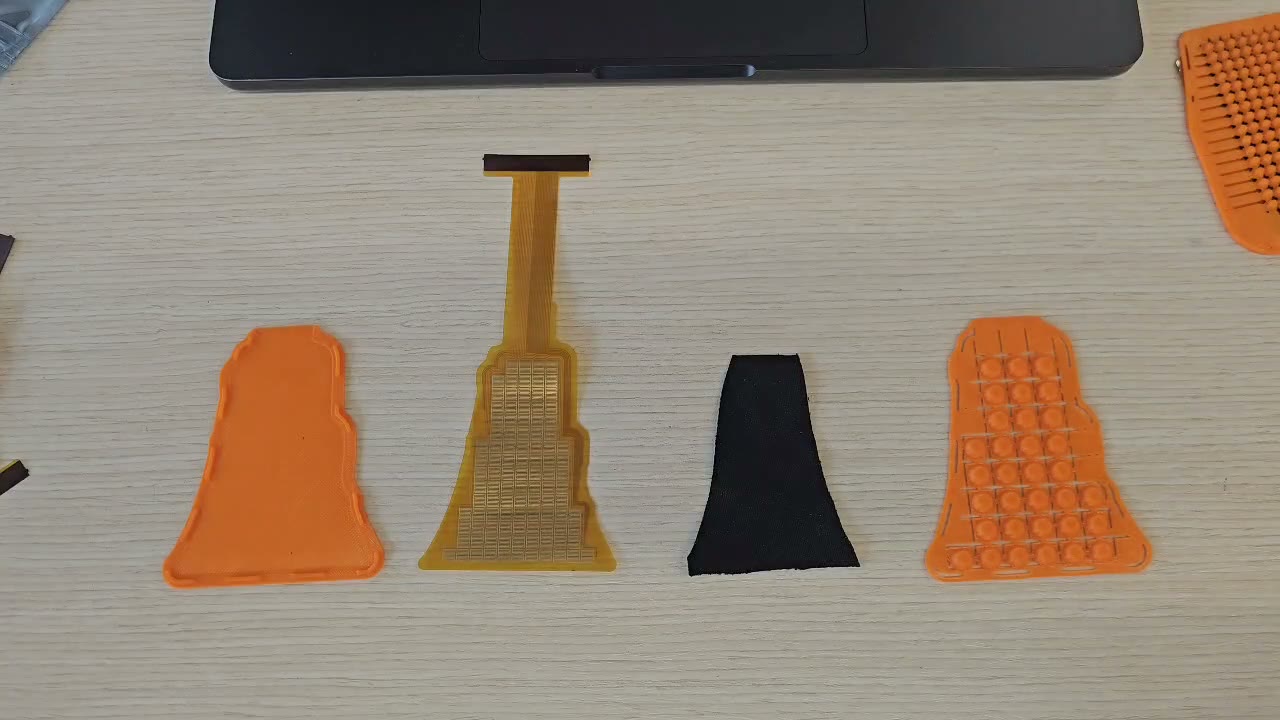
The assembly guide follows the complete procedure: verify the fit with a paper template, print the case, cut the piezoresistive layer, assemble the sensor, and inspect its readings. The remaining pages cover PCB ordering, materials and the readout boards.
The printed case
The case fixes the relative positions of the PCB, piezoresistive layer and bump sheet. Its bottom tray follows the board outline, while the lid places one bump over each 2×2 group of taxels. Generating both from the same design removes the need for a separate alignment jig.
Alignment matters because shear is estimated from differences in loading across the four taxels beneath a bump. Tangential force tilts the bump and shifts load toward one side (How it works). If the bump is off-centre, even a normal load can produce unequal readings and an apparent shear response.
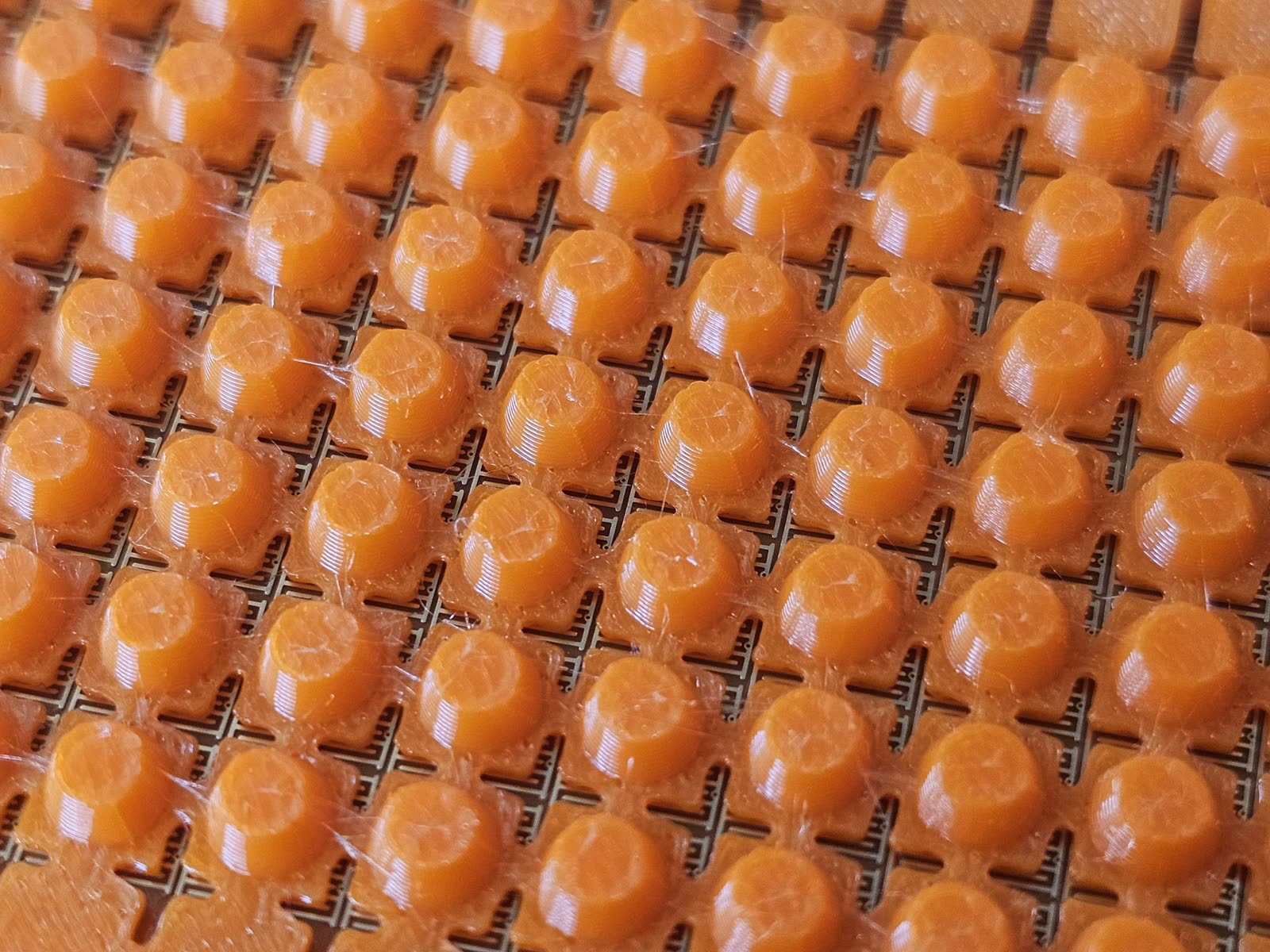
Download ZIP in OpenTac-CAD puts the case in the ZIP's case/ folder: the bottom, the bumped lid as the primary one, the flat and hatched lids, and a README with the settings used (What the export contains). The case panel in OpenTac-CAD (Add a printed case) previews the parts and changes their settings. The ZIPs of the ready-to-order designs include it too. Printing and fitting are in the assembly guide: Print the case and Assemble.
Fabrication and assembly sequence
| Step | Time | Page | |
|---|---|---|---|
| 1 | Design the sensor and download the ZIP: board files and the printed case | minutes | Design, What the export contains |
| 2 | Print the 1:1 PDF and check the fit on the part | 10 min | Assembly |
| 3 | Order the flex PCB | days to weeks, shipping | Order the sensor |
| 4 | Order a readout board, if you don't have one | days to weeks, shipping | Order the readout board; files in the repository's hardware/ folder |
| 5 | Get the piezoresistive layer, TPU and tape | Materials and accessories | |
| 6 | Print the case from the ZIP's case/ folder: the tray and the bumped lid, in TPU |
a few hours | The printed case, Assembly |
| 7 | Cut the piezoresistive layer | 10 min | Assembly |
| 8 | Assemble and plug in | 5 min | Assembly |
| 9 | Flash the readout board and read the sensor | 10 min | Assembly, Flash |
PCB fabrication and shipping usually dominate the elapsed time. Order the sensor and readout boards together, and print the case while they are being manufactured.